The doc.page blog
Practical guides on PDFs, private tools and sharing documents the smart way.
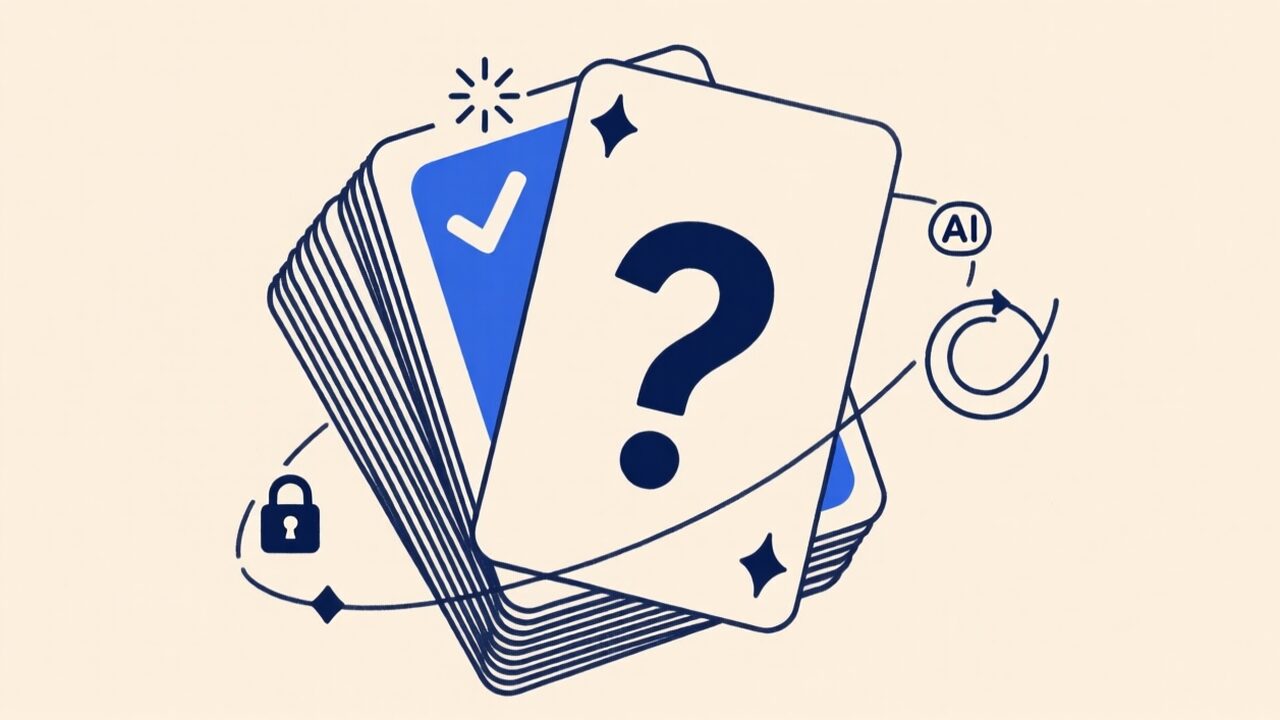
Turn any PDF into study flashcards — with AI that never leaves your browser
Making flashcards by hand is the real work of studying. An AI that reads your PDF and writes the cards for you removes it — and on doc.page that AI runs entirely on your device, so the document is never uploaded anywhere.
Jul 13, 2026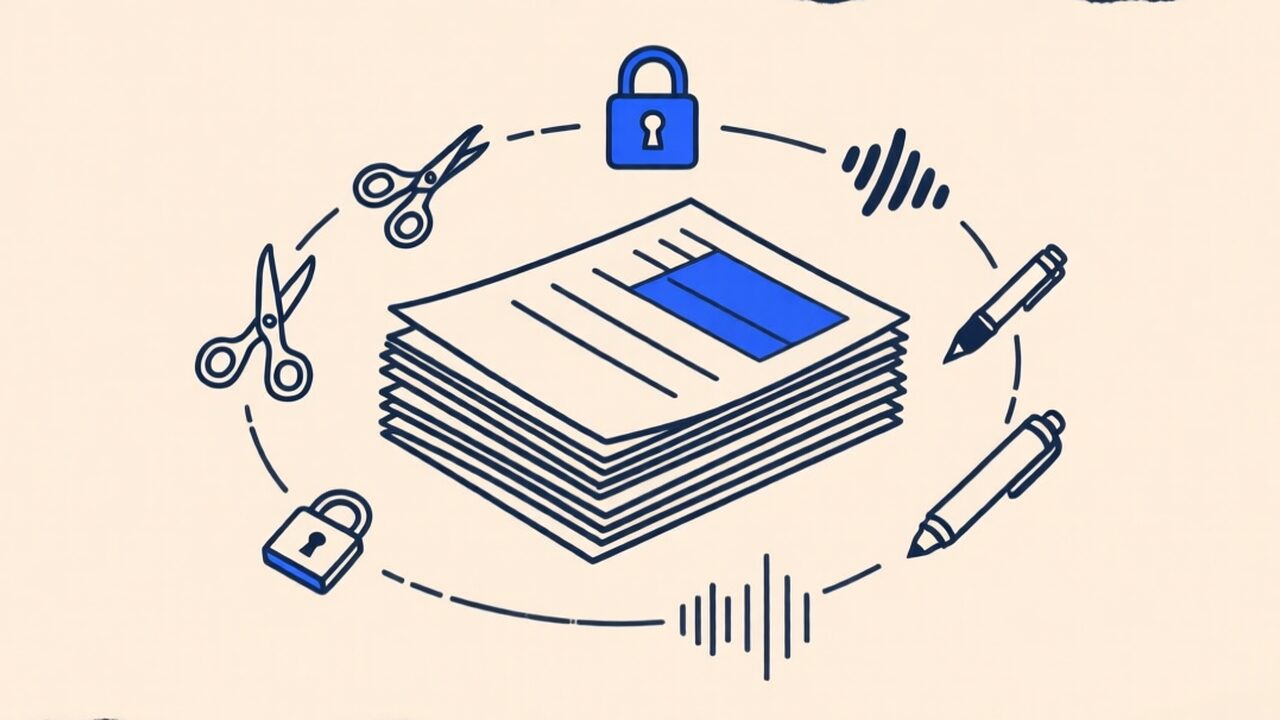
Everything you can do to a PDF without uploading it anywhere
Scan, merge, split, compress, sign, protect, read aloud — a full tour of what a modern browser can do to a PDF with nothing ever leaving your device.
Jul 11, 2026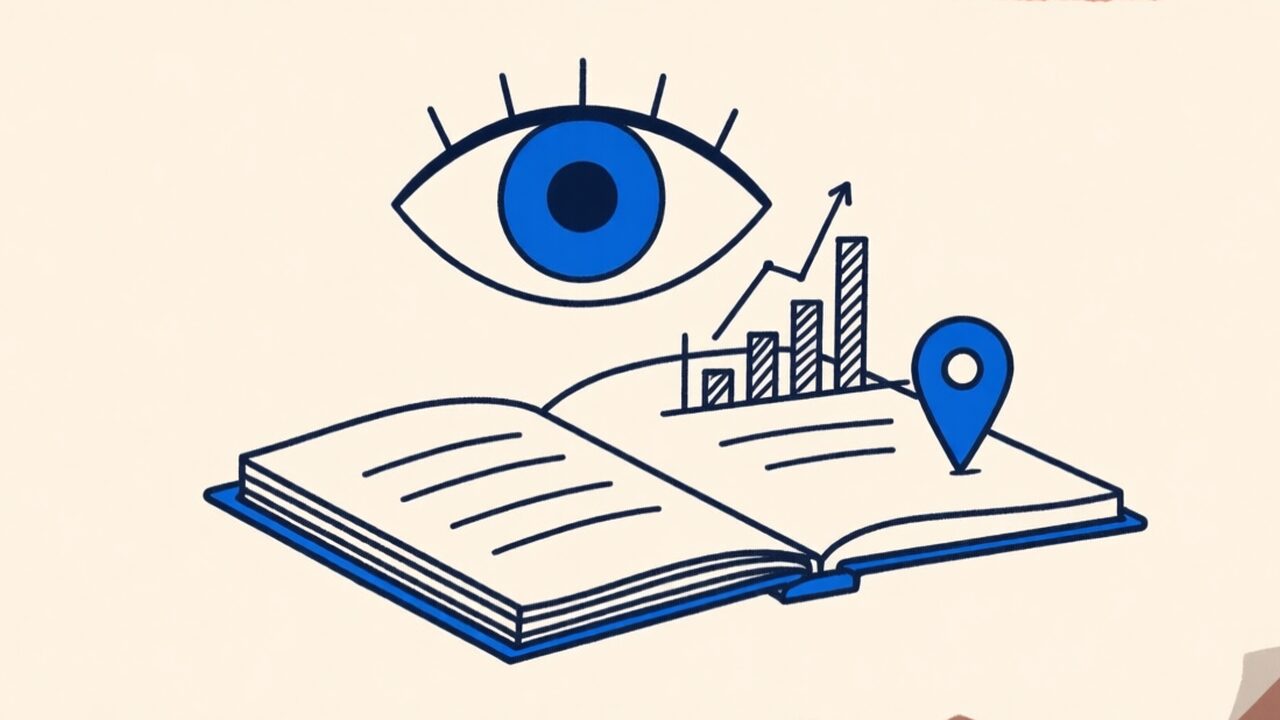
How to know if someone actually read the PDF you sent
Email attachments tell you nothing. A tracked link tells you who opened your document, when, and which pages they lingered on. Here's how — and when it's worth it.
Jul 10, 2026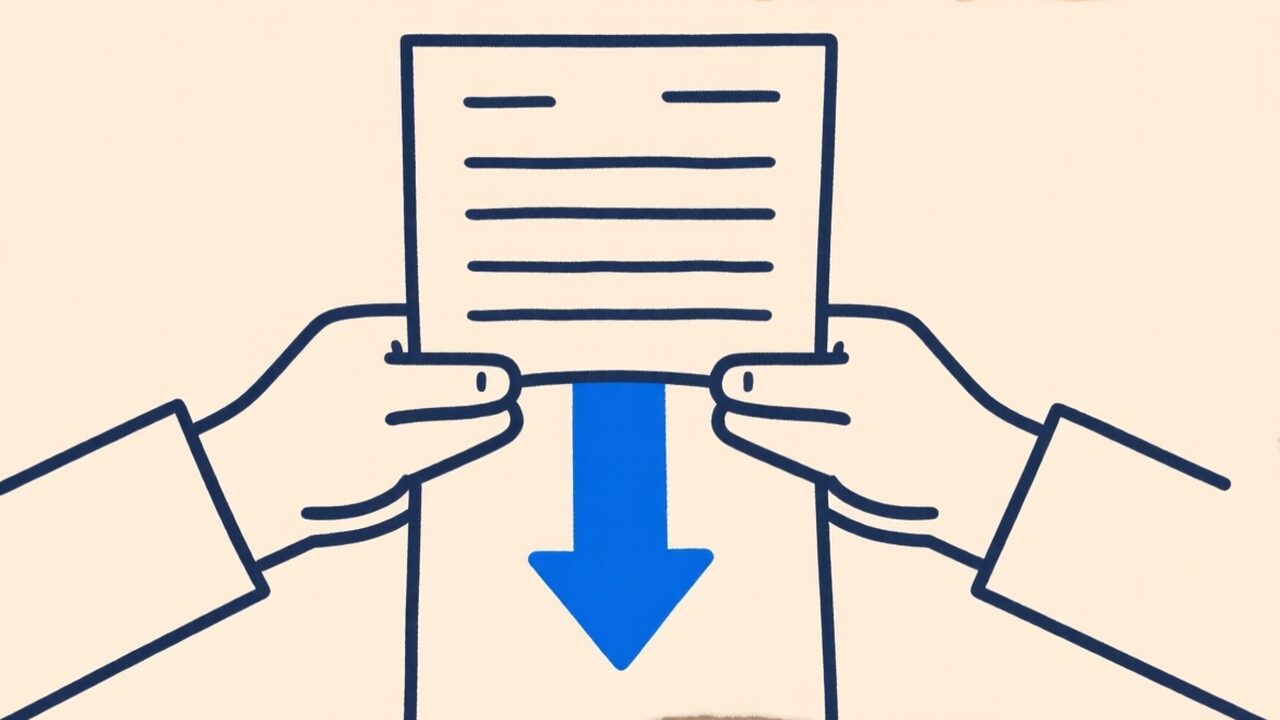
How to compress a PDF without wrecking its quality (or uploading it)
Why PDFs get huge, which compression method keeps text sharp, and the honest tradeoff nobody tells you about — explained so you pick the right setting the first time.
Jul 9, 2026
How to sign a PDF without printing, scanning or an app
The print-sign-scan ritual is dead. Here's how to sign a PDF in your browser, when a drawn signature is legally fine, and how to get someone else to sign one.
Jul 8, 2026