How to know if someone actually read the PDF you sent
You send a proposal. Silence. Three days later you’re staring at your outbox wondering the same thing every salesperson, freelancer and founder has wondered: did they even open it?
An email attachment can’t answer that. Once the file leaves your outbox it’s a black box — you have no idea if it was read cover to cover, skimmed for the price, or never opened at all. That single blind spot is why “tracked document links” exist, and why tools like DocSend built a business on them.
What a tracked link actually tells you
Instead of attaching the file, you share a link to it. When someone opens that link, the page records the visit. The difference in what you know is night and day:
- That it was opened at all — and the exact time. “Opened 20 minutes after I sent it” is a very different signal from “never opened.”
- Who opened it, if you turn on an email gate that asks the viewer for their address before showing the document.
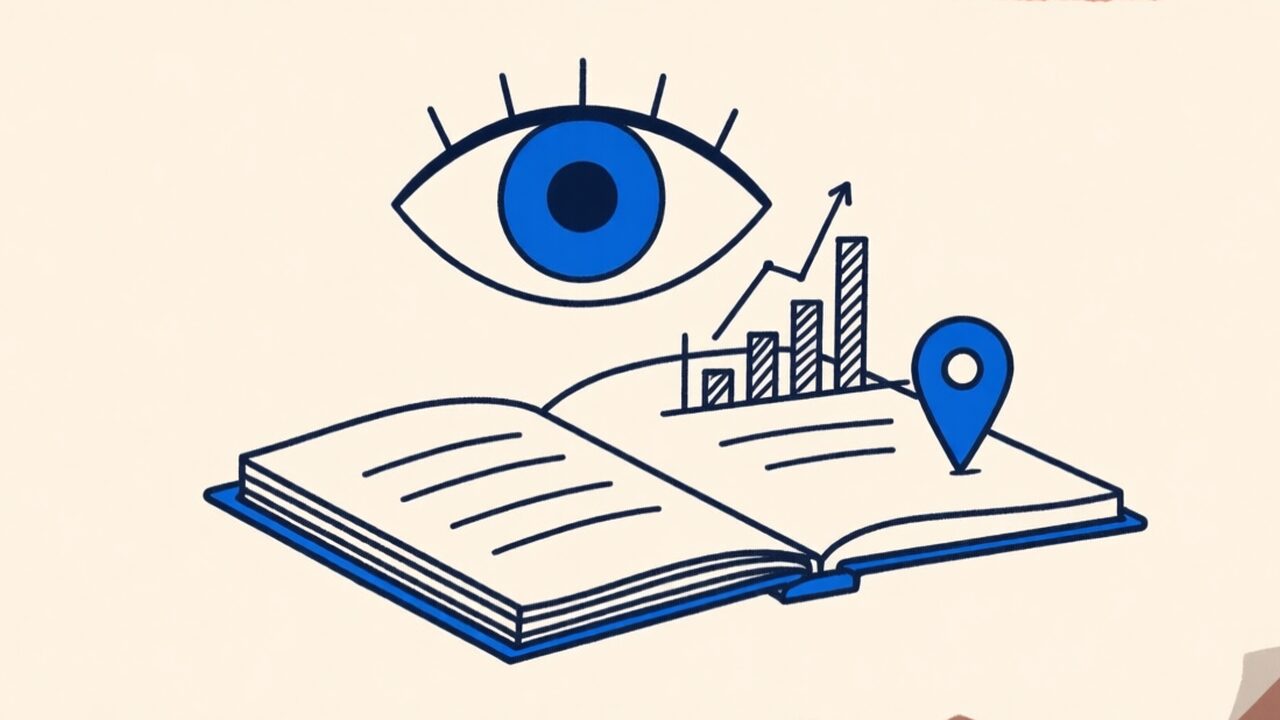
- How far they read. This is the one that changes how you follow up: page-by-page reading time shows whether they stopped at page 2 or read all twelve, and which section they went back to.
- Where and on what — country, device, browser — without ever touching their IP address.
Reading time per page is the real gold. A prospect who spent two minutes on your pricing page is a different conversation from one who bounced off the cover.
Beyond analytics: control
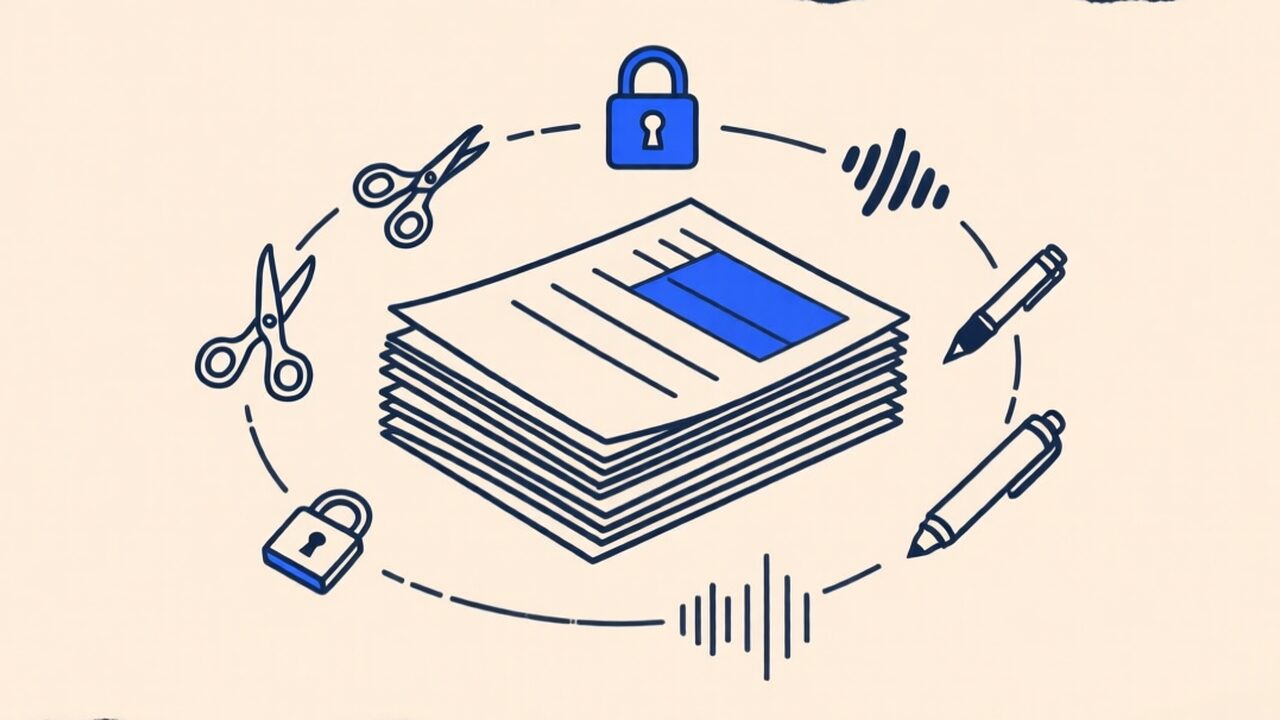
Once the document lives behind a link instead of in an inbox, you get controls an attachment can never offer:
- Expiry. Make the link stop working after a date, so an old quote can’t circulate forever.
- Passcode or email whitelist. Restrict who can open it.
- Disable on demand. Sent to the wrong person? Kill the link and the document is gone — you can’t un-send an attachment.
- Update the file in place. Fix a typo by uploading a new version; the link stays the same and everyone sees the latest one. No more “please ignore my previous email.”
- Require an NDA or a signature before the document opens.
When it’s worth it (and when it isn’t)
Tracked links shine for documents you send to persuade or to protect: sales proposals, pitch decks, investor updates, contracts, quotes. Knowing your reader’s behaviour genuinely changes your next move.
For a birthday invite or a receipt, it’s overkill — just attach the thing. The point isn’t to track everything; it’s to stop flying blind on the documents where it matters.
Doing it without uploading your whole life
The usual objection is privacy: to track a document, it has to live on someone’s server. Fair. The way we handle it on doc.page is that only the file you explicitly publish as a link is uploaded — the rest of your library, and everything you do with the browser tools, stays on your device.
If you want to try it, Doc Links turns any PDF into a tracked link — who opened it, when, and how far they read. The free plan includes three active links, which is enough to see whether that last proposal actually landed.