Turn any PDF into study flashcards — with AI that never leaves your browser
It’s the night before the exam, or the first day with a 40-page onboarding manual. You already know the trick that works — flashcards, tested against yourself, again and again. The problem was never the studying. It was making the cards: reading every page, deciding what matters, and typing out question-and-answer pairs before you can even start.
That first step is exactly what an AI is good at. Point it at your document, and it can read the whole thing and hand you a deck of question-and-answer cards to drill. The catch is where that reading happens.
What “AI flashcards” usually costs you
Most tools that make flashcards from a PDF work the same way under the hood: you upload the file, it’s sent to a server, a model in the cloud reads it, and the cards come back. For a public lecture handout, fine. For your class notes, a confidential contract, a medical report or an internal manual, you’ve just handed a copy of it to a company you don’t control — and it may be logged, cached, or used to train the next model.
That trade-off is invisible until it matters. And it isn’t necessary anymore.
How doc.page does it — nothing leaves the page
On doc.page, the model that writes your flashcards runs inside your browser tab, not on our servers. The document text never gets uploaded. When you open a document in your library and hit Flashcards, a small language model loads on your device and reads the text right there: on a machine with WebGPU it runs Gemma 3, and on a phone or older laptop it falls back to a lighter Qwen model so nothing freezes.
It reads what’s actually in your document and writes eight question-and-answer cards grounded only in that text — no outside facts invented, no “creative” additions. The deck is cached locally next to the document, so it’s there the next time you open it, and regenerating is one tap away if you want a fresh set.
The first run downloads the model once (a few hundred megabytes, cached afterwards), so give it a moment. After that, every deck you make is instant and offline — you could pull the network cable and keep going.
Built to actually study, not just to look at
A pile of cards isn’t studying. The deck on doc.page works the way a good study session does:
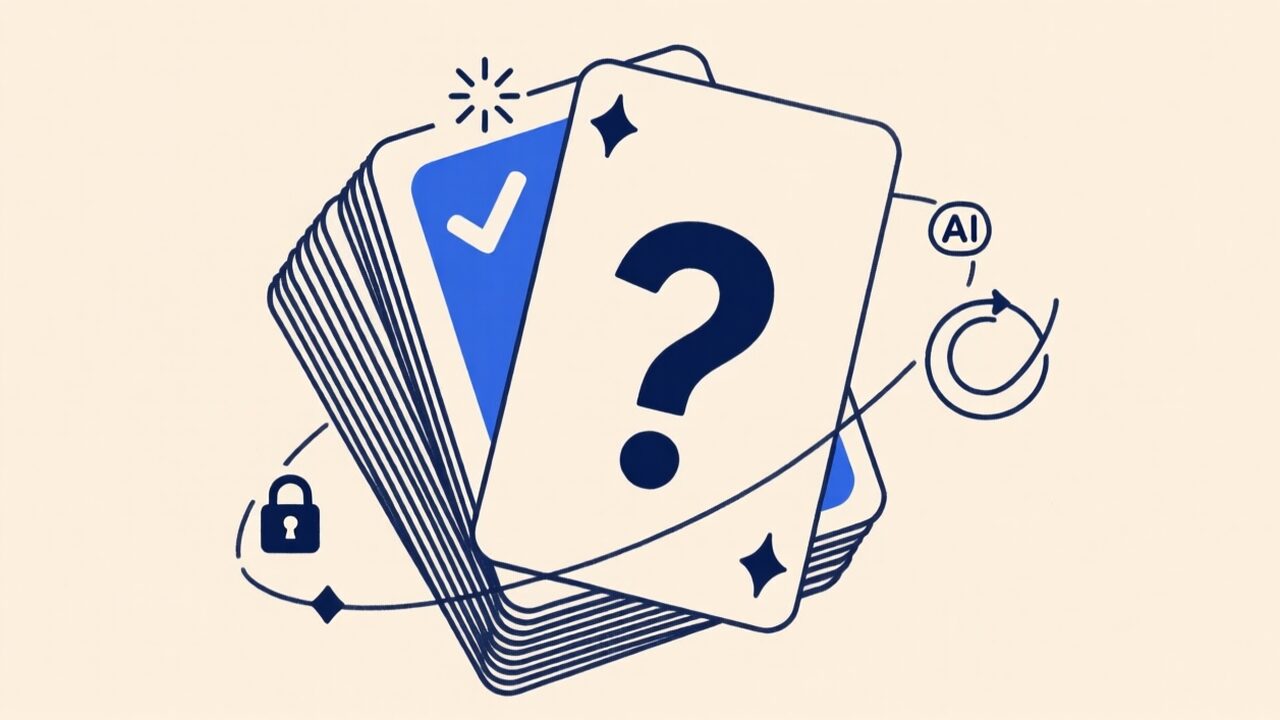
- Flip to check. Tap a card to flip it — question on the front, answer on the back — instead of seeing both at once and lying to yourself that you knew it.
- Grade yourself. Mark each card Got it or Again, Anki-style. Cards you know drop out of the rotation; the ones you miss keep coming back until they stick.
- Shuffle so you’re learning the answer, not the order.
- A progress bar shows how much of the deck you’ve actually locked in — and finishing a deck is its own small reward.
It’s the loop that makes flashcards work — active recall, not passive re-reading — without you having to build the deck first.
When it shines (and where it stops)
This is at its best with anything you need to know rather than just skim: exam and certification prep, a dense onboarding doc, a manual, a contract’s key terms, a research paper you’re presenting. Drop it in, generate, drill it on the train.
The honest limits: the cards are only as good as the text in the document — a model can’t quiz you on something the page doesn’t say, and it won’t go looking things up on its own. And it needs real, selectable text. If your PDF is a scan or a photo, run it through OCR in the browser first so there’s text to read.
Try it on your next document
Open your library, drop in a PDF, and hit Flashcards — the deck is written on your device, and the file stays there. While you’re at it, the same private, in-browser AI powers Chat with PDF for asking a document questions and Listen to PDF for turning it into audio you can study hands-free. Same promise every time: it runs on your device, and nothing you don’t publish ever leaves it.